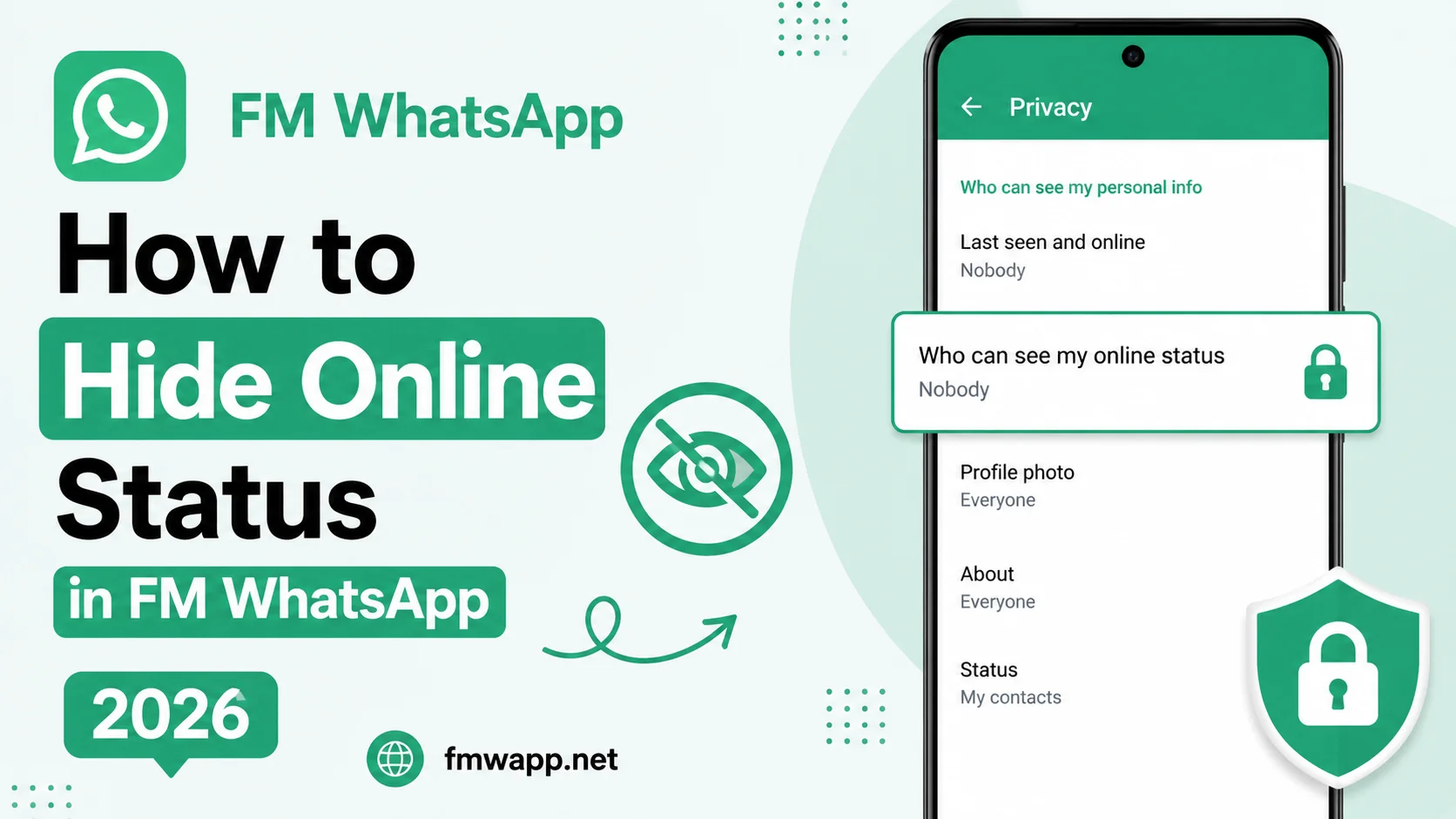
Being online does not always mean that you are available to chat. Sometimes you may simply want to check something, read an important message, or browse your conversations without letting everyone know that you are active.
FM WhatsApp is popular among users who want additional privacy controls, including options for hiding Online status. These settings can provide more control over how your activity appears to contacts.
The exact names and locations of the options may differ between FM WhatsApp versions, but the basic process is usually easy to follow.
What Is Online Status?
Online status tells other users that you are currently connected and actively using the messaging application.
It is different from Last Seen.
For example, hiding Last Seen may stop people from seeing when you were last active, but they could still see an Online indicator while you are using the app if Online visibility remains enabled.
That is why both settings should be reviewed separately.
How to Hide Online Status in FM WhatsApp
Step 1: Open FM WhatsApp
Launch the application and wait for the main chat interface to appear.
Step 2: Open the Menu
Tap the three dots in the upper corner and open Settings or FM Mods.
Step 3: Go to Privacy
Find the Privacy section. This is where FM WhatsApp usually places activity visibility controls.
Step 4: Locate Online Status
Search for an option such as Hide Online Status, Online Visibility, or a similar privacy control.
Step 5: Enable the Option
Select the setting that prevents your Online status from being displayed.
After enabling it, you can return to your chats and test the feature.
Hide Online Status and Last Seen Together
If you want stronger privacy, consider configuring both Online Status and Last Seen.
| Setting | Privacy Effect |
|---|---|
| Hide Last Seen | Hides your previous activity time |
| Hide Online Status | Hides your current activity |
| Hide Blue Ticks | Limits read confirmation |
| Hide Typing | Prevents typing indicator |
| Hide Recording | Prevents recording indicator |
Using multiple settings together can create a much more private messaging experience.
What Is Freeze Last Seen?
Some FM WhatsApp versions include a Freeze Last Seen feature.
Instead of simply hiding your activity time, the application may continue showing an older Last Seen value to other contacts.
For example, if the displayed time is 8:00 AM and you continue using FM WhatsApp throughout the day, a contact may continue seeing the earlier timestamp.
This feature is separate from hiding Online status.
Can You Hide Online Status From Specific People?
Depending on the FM WhatsApp build, advanced privacy controls may allow more selective visibility.
If your version includes contact-specific controls, you may be able to prevent particular people from seeing your Online status while allowing others to see it.
Check the privacy menu because the available options can change between releases.
Why Is My Online Status Still Visible?
If other people can still see you online, try the following:
- Reopen Privacy settings.
- Confirm Online visibility is disabled.
- Check whether a Ghost Mode or similar privacy feature is overriding the setting.
- Restart FM WhatsApp.
- Test the setting with another contact.
- Check whether you recently installed a different FM WhatsApp version.
Sometimes a setting may appear enabled but not work correctly because of a compatibility issue.
Does Hiding Online Status Affect Your Own Experience?
Your messages and calls can continue working normally.
However, privacy settings can affect what information you can see about other users. Some versions may restrict reciprocal visibility when you hide your own activity.
This means you should not assume that hiding your Online status will allow you to see everyone else’s status normally.
What Is Ghost Mode?
Some FM WhatsApp releases use a Ghost Mode or similar concept to combine several privacy settings.
Depending on the version, this may include options for:
• Online visibility
• Last Seen
• Blue ticks
• Typing indicator
• Recording indicator
• Status viewing
If your FM WhatsApp version has this feature, review each component before enabling it. A single privacy mode can change several behaviors at once.
How to Maintain Better Privacy
Hiding Online status is only one part of privacy management.
You should also consider:
• Using chat locks for sensitive conversations
• Restricting profile photo visibility
• Controlling status audience
• Hiding read receipts
• Reviewing group privacy settings
• Avoiding unnecessary permissions
• Keeping your account protected with strong authentication
The best privacy setup is one that matches how you actually use the application.
Does Hiding Online Status Make FM WhatsApp More Secure?
Privacy and security are related but not identical.
Hiding your Online status controls what contacts can see about your activity. It does not automatically protect your account from every security threat.
If you use a modified application, the source of your APK and the permissions it receives remain important considerations.
Frequently Asked Questions
Many FM WhatsApp versions provide an option designed to hide Online visibility.
No. Online status shows current activity, while Last Seen refers to previous activity.
Some versions provide more advanced privacy controls, although the exact options depend on the FM WhatsApp build.
In versions that include Ghost Mode, it may combine Online status hiding with other privacy controls.
Check the Online privacy setting, restart the application, and verify that your current FM WhatsApp build supports the feature properly.
Conclusion
Hiding Online status in FM WhatsApp can be useful when you want to use the application without constantly revealing your current activity. The feature is generally available through the Privacy or FM Mods section.
For a more complete privacy setup, combine Online status controls with Last Seen, blue tick, typing, and recording settings. If you want more practical FM WhatsApp tutorials, feature explanations, and troubleshooting guides, fmwapp.net can help you explore the available options.