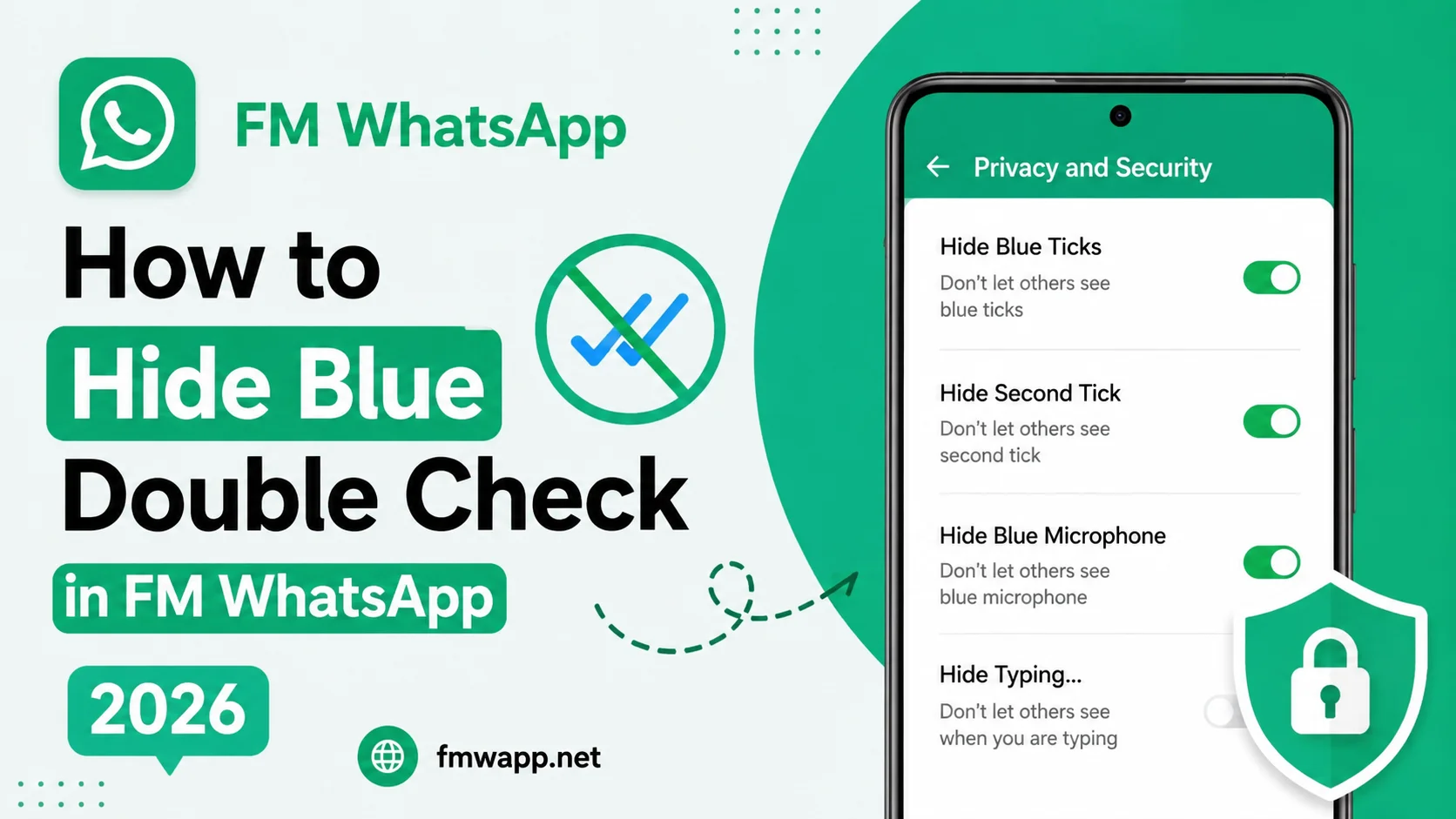
The blue double check is a familiar feature in messaging applications. It usually tells the sender that you have opened and read a message. While this can be useful, some users prefer to read messages without immediately notifying the other person.
FM WhatsApp offers additional privacy controls that may allow users to hide blue ticks. Depending on the version, the setting can apply globally or provide more detailed controls.
This guide explains how to hide blue double checks in FM WhatsApp 2026 and how the setting interacts with other privacy features.
What Are Blue Double Checks?
When read receipts are active, messages can display different check indicators.
A simplified explanation is:
• One check usually means the message was sent.
• Two checks generally indicate delivery.
• Two blue checks generally indicate that the message was read.
The exact behavior can vary depending on the application, chat type, device, and privacy settings.
FM WhatsApp adds additional options that can change how these indicators are displayed.
How to Hide Blue Double Check in FM WhatsApp
Step 1: Open FM WhatsApp
Start FM WhatsApp and open the main interface.
Step 2: Open Settings
Tap the three dot menu and enter Settings or the FM Mods section.
Step 3: Open Privacy
Look for Privacy settings. This area normally contains controls related to read receipts and other activity indicators.
Step 4: Find Read Receipts
Look for an option such as Hide Blue Ticks, Read Receipts, or Hide Second Tick.
Step 5: Enable the Privacy Option
Turn on the setting that hides blue read indicators.
After changing it, return to your chats and test the behavior with a trusted contact.
What Changes After Hiding Blue Ticks?
When the feature works correctly, people may no longer receive a blue read indicator when you open their messages.
However, this does not necessarily mean that every message indicator disappears.
Other indicators can remain independent, including:
| Indicator | Purpose |
|---|---|
| First check | Message sent |
| Second check | Message delivered |
| Blue checks | Message read |
| Typing indicator | You are typing |
| Recording indicator | You are recording audio |
This is why users who want complete privacy may need to configure several settings.
Hide Blue Ticks for Individual Contacts
Some FM WhatsApp versions provide advanced privacy controls that can apply different read receipt rules to individual contacts.
If your version supports this, you may be able to keep normal read receipts for most conversations while hiding them for selected contacts.
Look through the Privacy settings carefully because the exact wording can differ between builds.
Blue Ticks and Group Chats
Group conversations can behave differently from individual chats. Some privacy modifications may not apply identically to groups.
If you notice that blue indicators still appear in a group conversation, this does not necessarily mean the privacy setting is broken. Group read information can be handled differently from one-to-one conversations.
What About Voice Messages?
Voice messages can have separate indicators depending on the FM WhatsApp version.
If your goal is to hide every indication that you have interacted with a message, check whether your version has separate controls for voice message receipts.
Do not assume that hiding text-message read receipts automatically hides every other activity indicator.
Why Are Blue Ticks Still Appearing?
If the setting does not work, try these solutions:
• Confirm the privacy setting is enabled.
• Restart FM WhatsApp.
• Check whether another privacy mode overrides the setting.
• Make sure the application is not running an outdated or incompatible build.
• Test with a single contact.
• Review individual chat privacy settings.
Some FM WhatsApp releases may change the location or behavior of these controls.
Can People Still Know You Read a Message?
Even when blue ticks are hidden, other activity may reveal that you have interacted with a conversation.
For example, you might reply immediately, react to a message, or become visibly active online. Privacy settings can reduce direct read indicators, but they cannot completely hide every possible sign of communication.
Why Users Hide Blue Ticks
There are several reasons someone may prefer this setting.
Some users want time to think before replying. Others receive many messages and do not want people to assume that reading a message means they are available to respond immediately.
It can also be useful for separating personal and professional communication.
Privacy Settings Worth Checking
If blue ticks are your main concern, you may also want to review:
• Last Seen
• Online Status
• Typing Indicator
• Recording Indicator
• Status Views
• Profile Photo
• About Information
• Chat Lock
FM WhatsApp is often used because it combines several of these controls in one application.
Frequently Asked Questions
Many FM WhatsApp versions include a setting that can hide read receipts or blue ticks.
If the privacy feature works correctly, the normal blue read indicator may not appear.
Some versions provide contact-specific privacy controls, but availability depends on the build.
No. Online visibility is generally a separate privacy setting.
Check your privacy configuration, restart the app, and verify whether your current FM WhatsApp version supports the selected option correctly.
Conclusion
Hiding blue double checks in FM WhatsApp can give you greater control over how your reading activity is communicated to other people. The feature is generally located within the Privacy or FM Mods settings.
For stronger privacy, remember that blue ticks are only one activity indicator. Last Seen, Online status, typing, and recording indicators may require separate configuration. You can explore more FM WhatsApp privacy guides and tutorials on fmwapp.net.