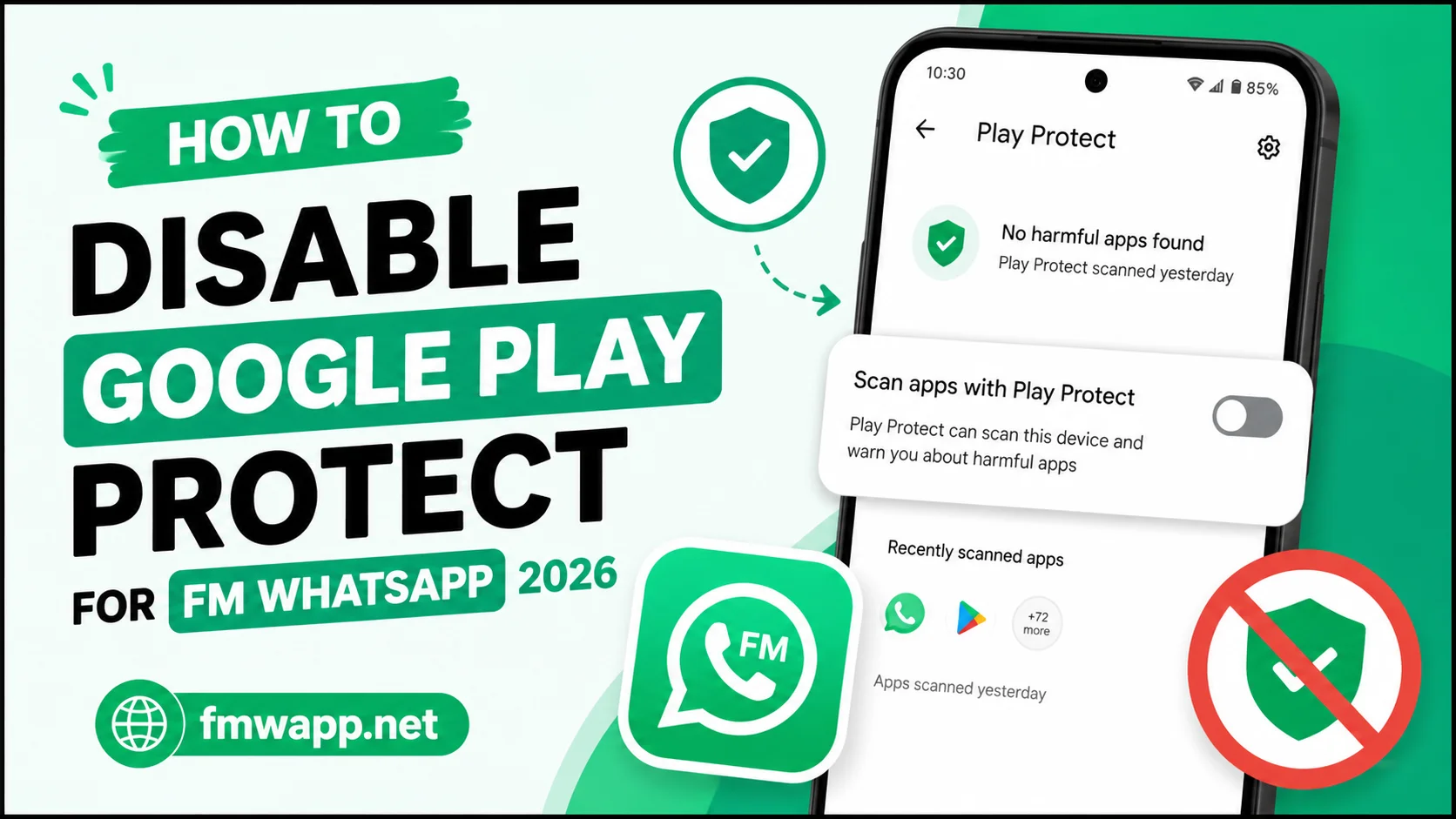
Google Play Protect is designed to scan Android applications and identify potentially harmful software. Because FM WhatsApp is a modified messaging application rather than a standard Play Store application, users may sometimes see warnings when attempting to install its APK.
This can lead users to search for ways to disable Play Protect. However, turning off Android security scanning reduces protection, so it should not be treated as a routine installation step. The safer approach is to understand why the warning appears and only change security settings when you have a legitimate reason.
Why Does Play Protect Warn About FM WhatsApp?
FM WhatsApp is generally distributed as an APK rather than through the normal Google Play Store installation process. Android treats applications installed from outside the Play Store differently from applications obtained through standard channels.
A warning does not automatically prove that every FM WhatsApp APK is malicious. At the same time, a warning should never simply be ignored.
The most important factor is the source of the APK and whether the file has been modified, replaced, or bundled with unwanted software.
Should You Disable Google Play Protect?
For most users, keeping Play Protect enabled is the safer choice.
If Android blocks an APK, first check:
• Whether the APK came from a source you trust
• Whether the file is complete
• Whether you downloaded the intended version
• Whether your device has enough storage
• Whether the APK is compatible with your Android version
• Whether the file has been altered
If you are unsure about any of these points, do not disable security scanning simply to force an installation.
How Play Protect Can Be Temporarily Turned Off
Android device interfaces differ, so the exact menu names may vary.
On many Android phones, the relevant controls can be found by opening the Google Play Store and accessing your account or profile menu.
Look for Play Protect and then its settings. You may see options related to application scanning and harmful app detection.
If your device provides an option to turn scanning off, review the warning carefully before making a change.
If you temporarily disable a security feature for testing, turn it back on immediately afterward.
Why Re-Enabling Play Protect Matters
Leaving security scanning disabled creates unnecessary exposure.
Play Protect can provide another layer of protection when applications are installed or updated. If you permanently disable it, you lose that additional check.
A sensible approach is:
- Keep Play Protect enabled whenever possible.
- Investigate an installation warning.
- Verify the APK source.
- Only make temporary changes when necessary.
- Re-enable protection after testing.
- Remove an APK if it behaves suspiciously.
Safer FM WhatsApp Installation Practices
Before installing an FM WhatsApp APK, take a few precautions.
Check the APK Source
Avoid random download pages, suspicious advertisements, and files sent through unknown contacts. A trustworthy source is one of the most important parts of APK safety.
Check the File
If an APK suddenly has an unusual size or filename compared with the version you expected, stop and investigate.
Keep Android Updated
Security updates can improve application isolation and protect against known vulnerabilities.
Review Permissions
If a messaging application requests permissions that appear unnecessary for its basic functions, think carefully before granting them.
Keep a Backup
Before replacing an existing WhatsApp installation, make sure important chats and media are backed up using a method you trust.
What If FM WhatsApp Installs Without Disabling Play Protect?
If Android allows the installation while Play Protect remains active, there is generally no reason to disable it.
The goal should not be to defeat security controls. The goal should be to install software safely when you have verified what you are installing.
Common Problems After Disabling Play Protect
Some users disable Play Protect but still cannot install an APK. This can happen because Play Protect is not the only Android security mechanism.
Other possible causes include:
• Unknown app installation permissions are disabled.
• The APK is incompatible with the device.
• The download is incomplete.
• Android storage is insufficient.
• Another version of the package is already installed.
• The APK file itself is damaged.
• The Android version does not support the application.
Therefore, disabling Play Protect is not a universal solution.
Should You Disable Play Protect Permanently?
No.
There is little reason for an ordinary user to leave Android security scanning disabled permanently. If you choose to turn it off temporarily, restore the setting as soon as the installation or testing process is finished.
Security should remain a priority, especially when installing modified applications.
Frequently Asked Questions
Because FM WhatsApp is a modified APK that is generally installed outside the standard Play Store distribution process.
Disabling it reduces one layer of Android security. If it is changed temporarily, it should be restored afterward.
Not necessarily. Some APKs can be installed without disabling Play Protect.
Verify the source, file integrity, compatibility, and permissions before considering any security setting changes.
Yes. Keeping Android security features enabled is generally the safer choice.
Conclusion
Disabling Google Play Protect should never be considered a standard requirement for using FM WhatsApp. Security warnings exist for a reason, and users should investigate them rather than automatically bypassing them.
If you decide to temporarily change Play Protect settings during troubleshooting, restore the protection afterward. For more FM WhatsApp installation and security guides, fmwapp.net can serve as a useful resource for understanding the application and its settings.